Skip to content
§ TOUR · 0.1

NINETY SECONDS. ONE GARMENT.

A scroll-through of every studio surface, the way it actually works.

§ live
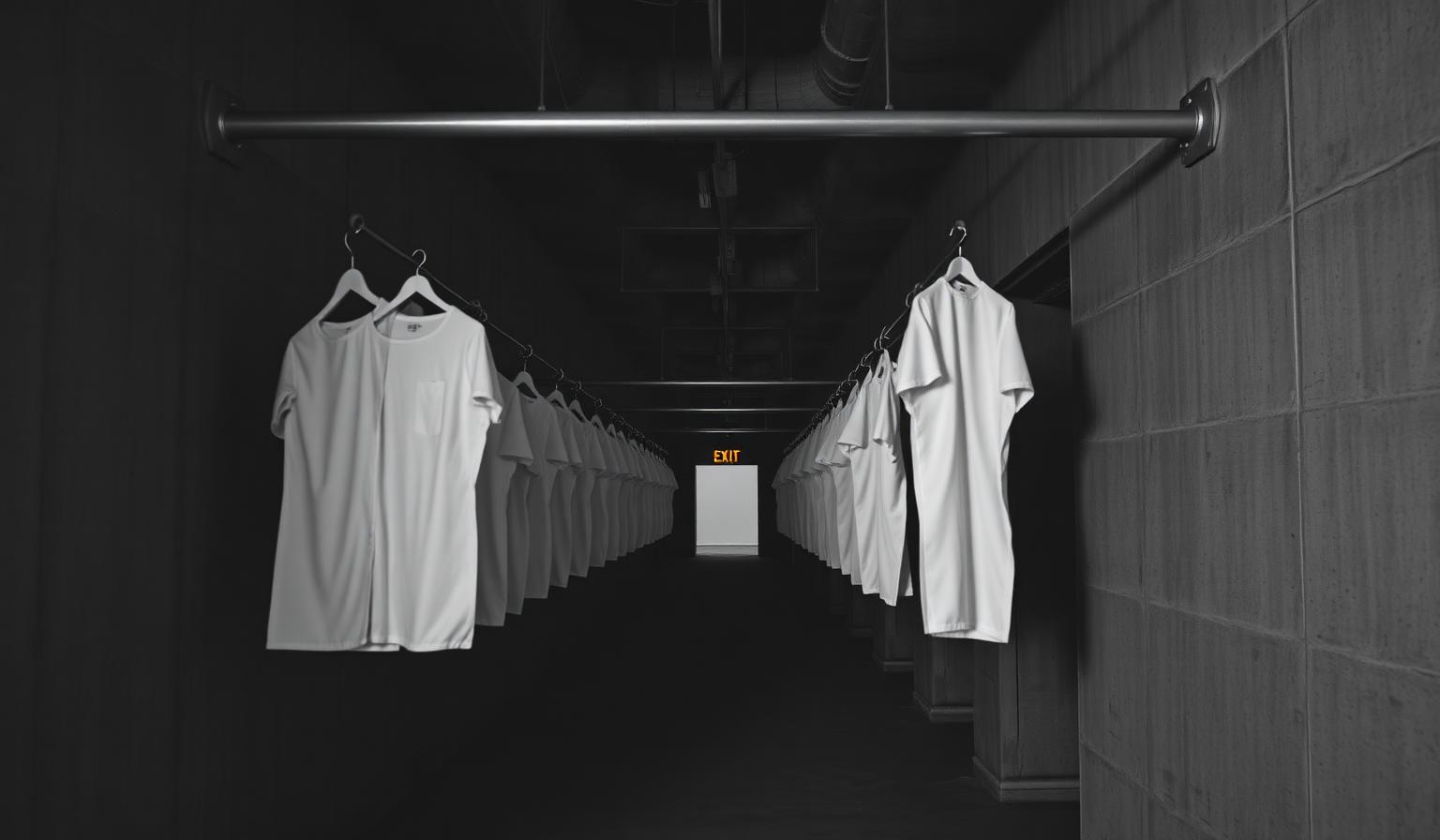
Long dark concrete corridor lined on both walls with white sample garments hanging from steel rails, terminating in a glowing orange exit sign — the wayfinding image for the FashionOS studio tour
§ TOUR · 0.1
  • Brief — Brutalist black line icon of a paper sewing pattern piece with notches and a grain arrow, used to mark pattern-making sections in FashionOSBrief
  • Draft — Brutalist black line icon of a pair of long tailoring scissors with one blade open, used to mark cutting and pattern actions in FashionOSDraft
  • Drape — Brutalist black line icon of a wireframe 3D cube representing a draped garment volume, used to mark 3D and digital twin tools in FashionOSDrape
  • Stitch — Brutalist black line icon of a tailoring sewing needle threaded with a single strand, used to mark hand-finishing steps in FashionOSStitch
  • QA — Brutalist black line icon of a coiled tailor's measuring tape with marked increments, used to mark sizing and measurement tools in FashionOSQA
  • Export — Brutalist black line icon of a folded t-shirt silhouette, used to mark garments, blanks and product catalog sections in FashionOSExport
  • List — Brutalist black line icon of a wire garment hanger with a hooked top, used to mark wardrobe, lookbook and merchandising sections in FashionOSList
    01TYPE A BRIEF
    Describe the garment in plain English. The model emits structured editor ops, not pixels.
    02DRAFT THE PATTERN
    Pieces appear on the 2D canvas with symmetry axes, darts, and notches.
    03DRAPE IN 3D
    Vertices fall through cloth physics onto a base mannequin. Drag in 3D, the 2D pattern updates.
    04STITCH SEAMS
    Click two edges. Pick allowance and stitch. Tech-pack updates live.
    05REVIEW WITH AI
    One click runs factory-grade QA across the whole tech-pack.
    06EXPORT
    PDF tech-pack, DXF for the cutter, SVG for the marker. JSON for re-import.
    07LIST IT
    Send straight to your custom storefront and start taking orders.