Skip to content
§ FOR DESIGNERS

YOUR ATELIER, IN A TAB.

Independent designers waste years stitching together CAD, Illustrator, Photoshop, and a Shopify build. Stop.

§ live
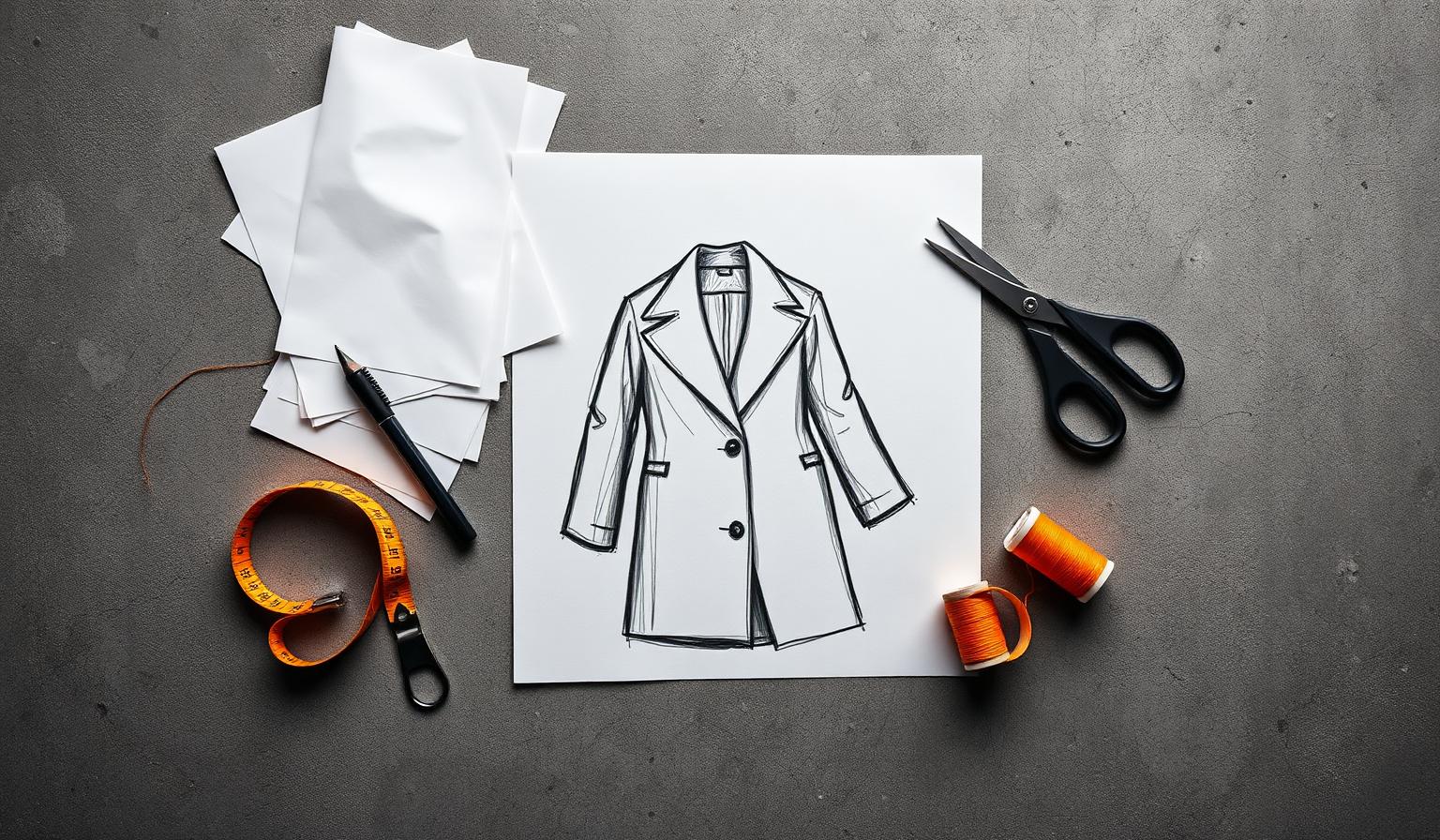
Independent designer's workbench shot from above: kraft paper patterns weighted with stones, long tailoring scissors, a half-finished charcoal sketch and a single orange thread spool — the working portrait for the FashionOS designer plan
§ FOR DESIGNERS
  • Cut — Brutalist black line icon of a pair of long tailoring scissors with one blade open, used to mark cutting and pattern actions in FashionOSCut
  • Pattern — Brutalist black line icon of a paper sewing pattern piece with notches and a grain arrow, used to mark pattern-making sections in FashionOSPattern
  • Stitch — Brutalist black line icon of a tailoring sewing needle threaded with a single strand, used to mark hand-finishing steps in FashionOSStitch
  • Thread — Brutalist black line icon of an upright thread spool wound with thread, used to mark trims, thread and finishing options in FashionOSThread
  • Hang — Brutalist black line icon of a wire garment hanger with a hooked top, used to mark wardrobe, lookbook and merchandising sections in FashionOSHang
  • Sample — Brutalist black line icon of a folded t-shirt silhouette, used to mark garments, blanks and product catalog sections in FashionOSSample
01ZERO INSTALL
Open a browser. Open a pattern. Same on your laptop, your studio iMac, your travel iPad.
02OWN THE FILES
Patterns live in your Cloud. PDF, DXF, SVG, JSON. Portable forever.
03LIST IN ONE CLICK
Your storefront is a checkbox away. Stripe payouts the same day.